MyTV+
Entertainment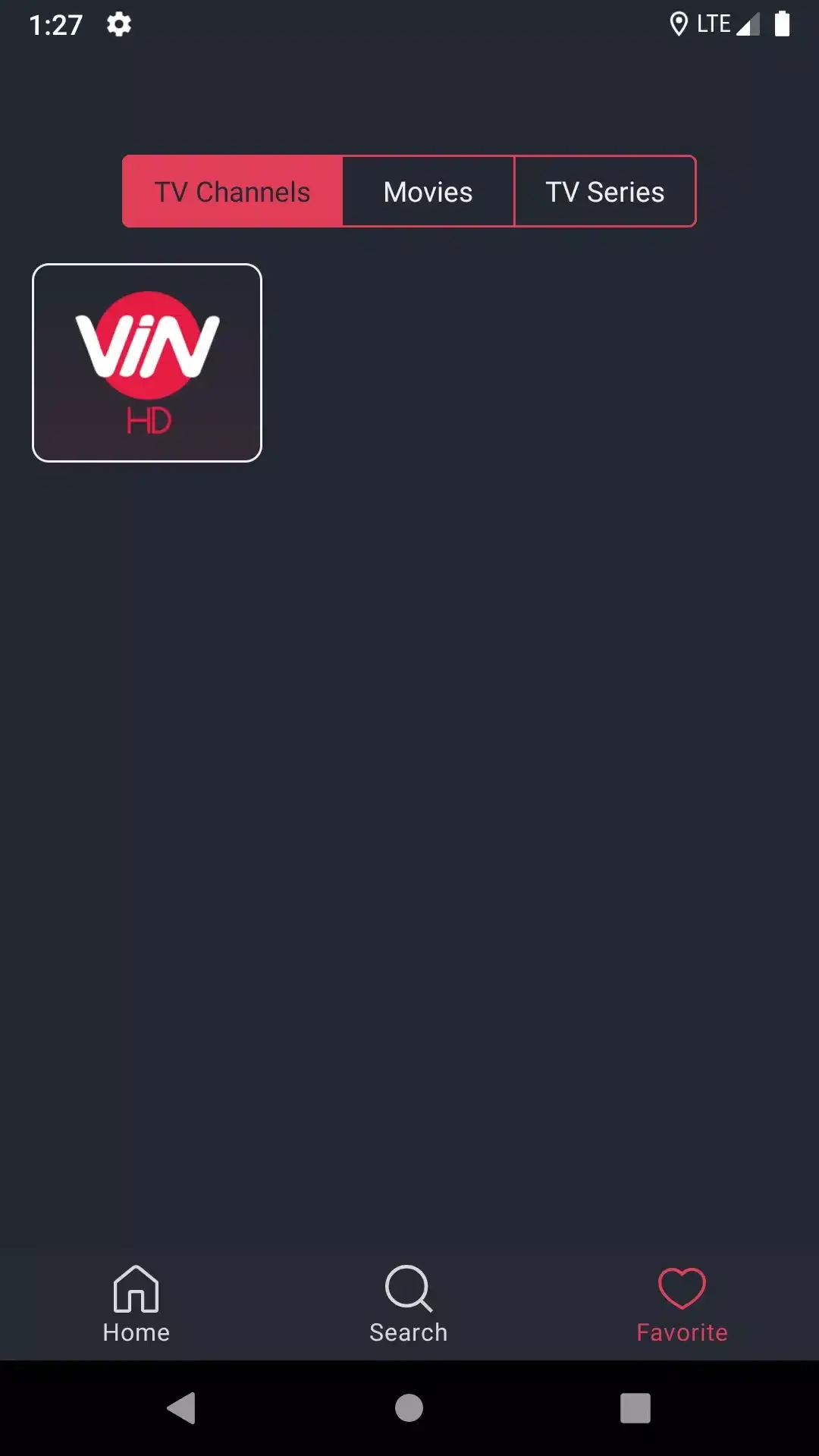
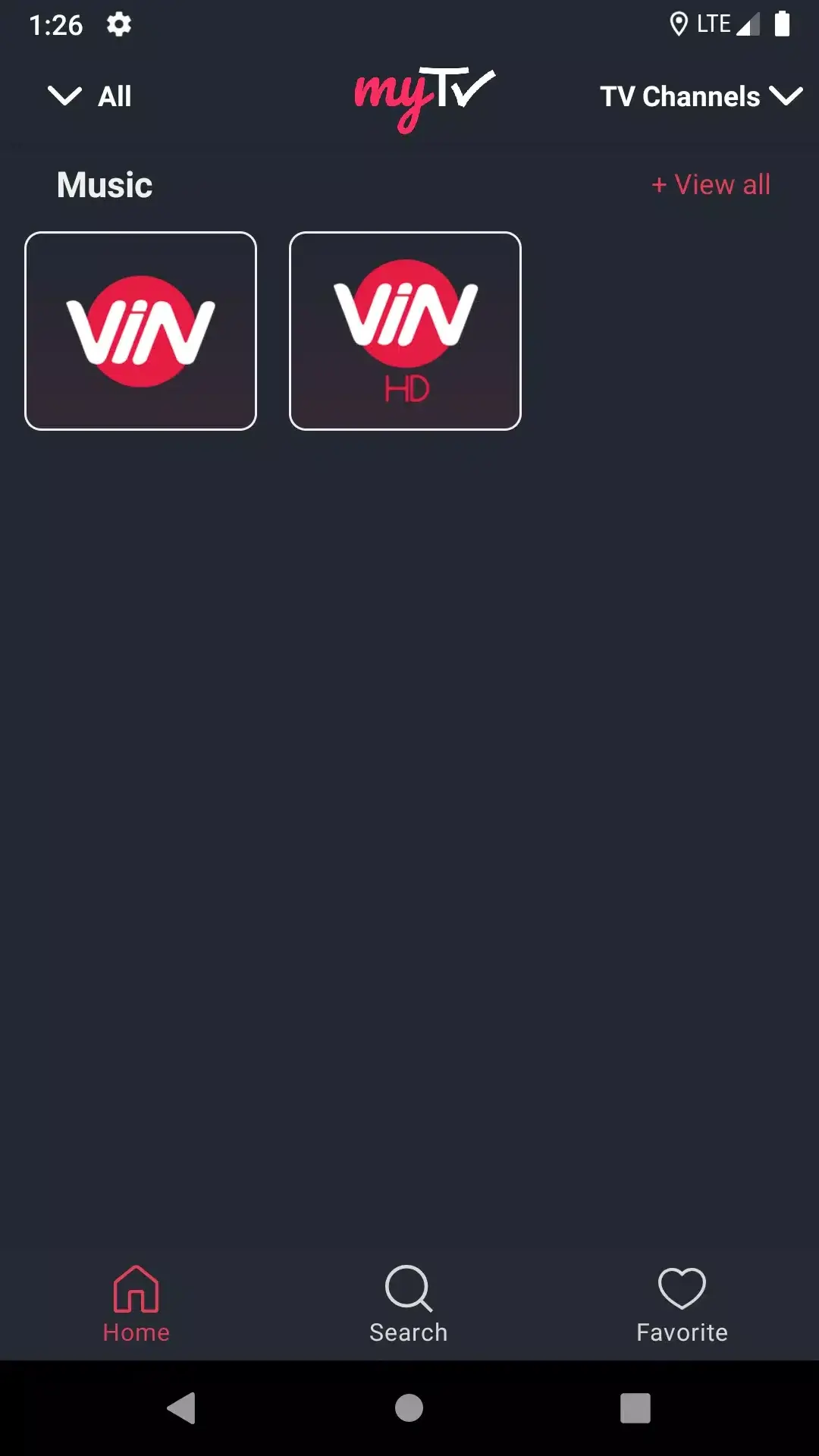
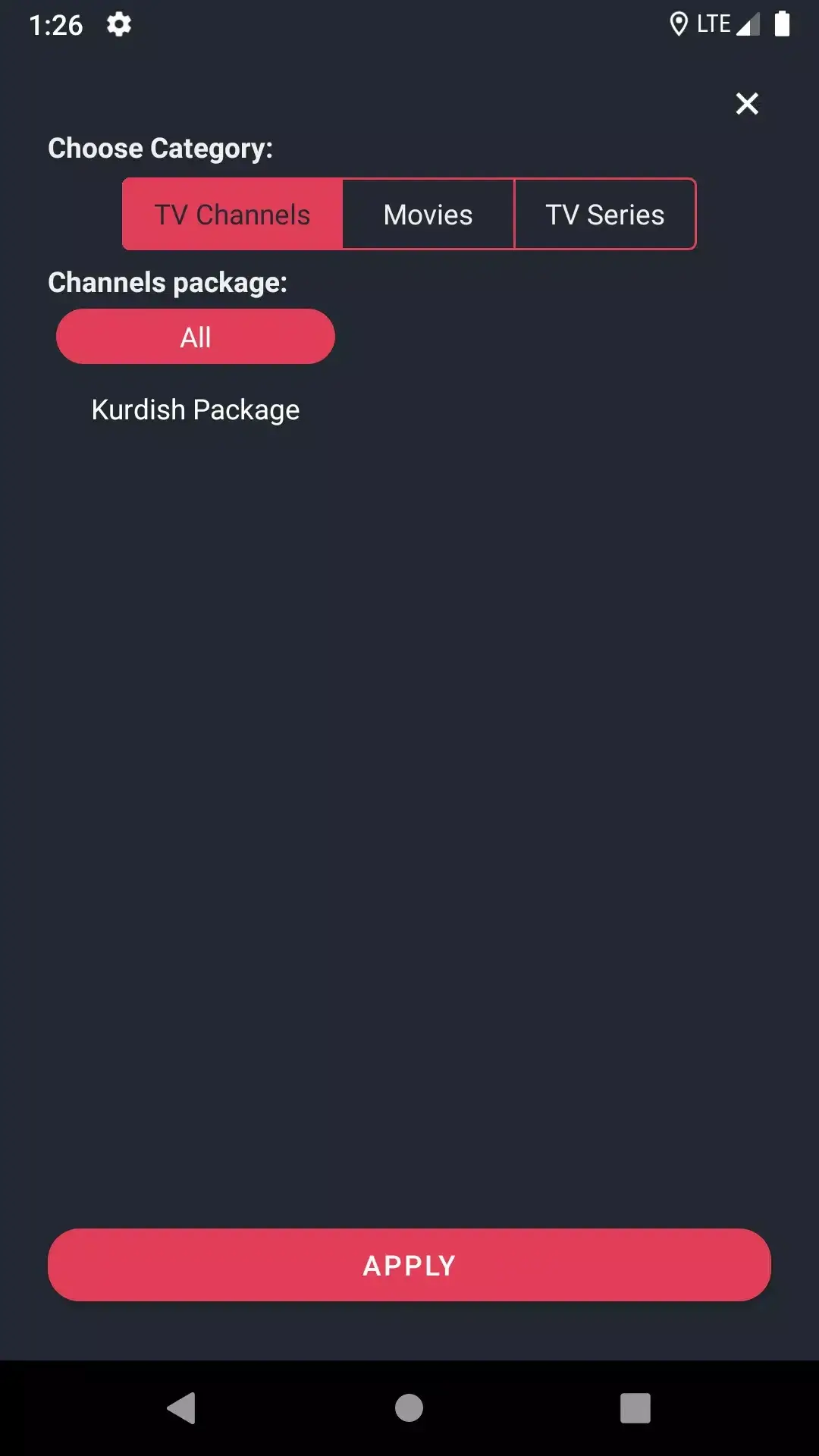
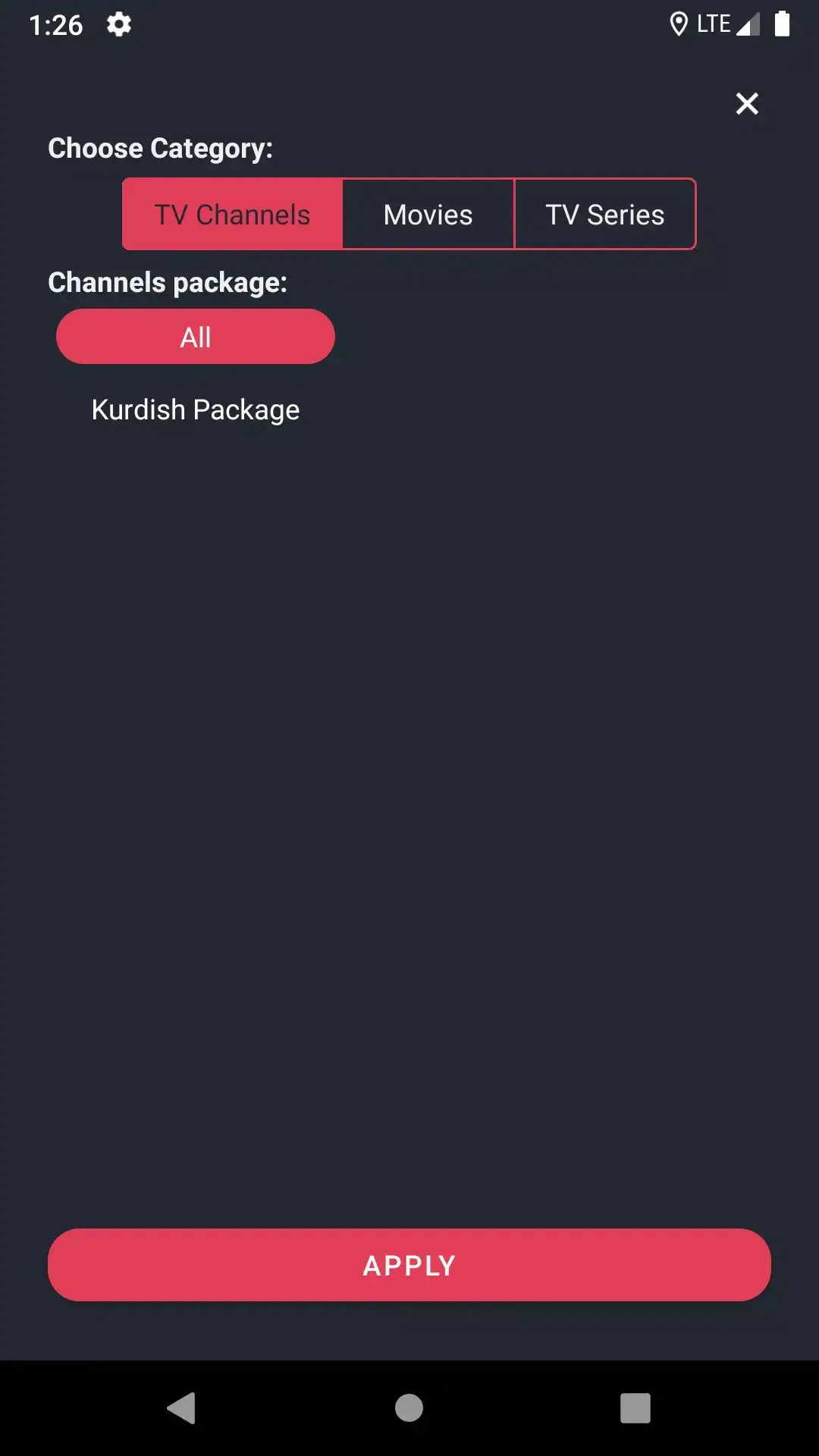
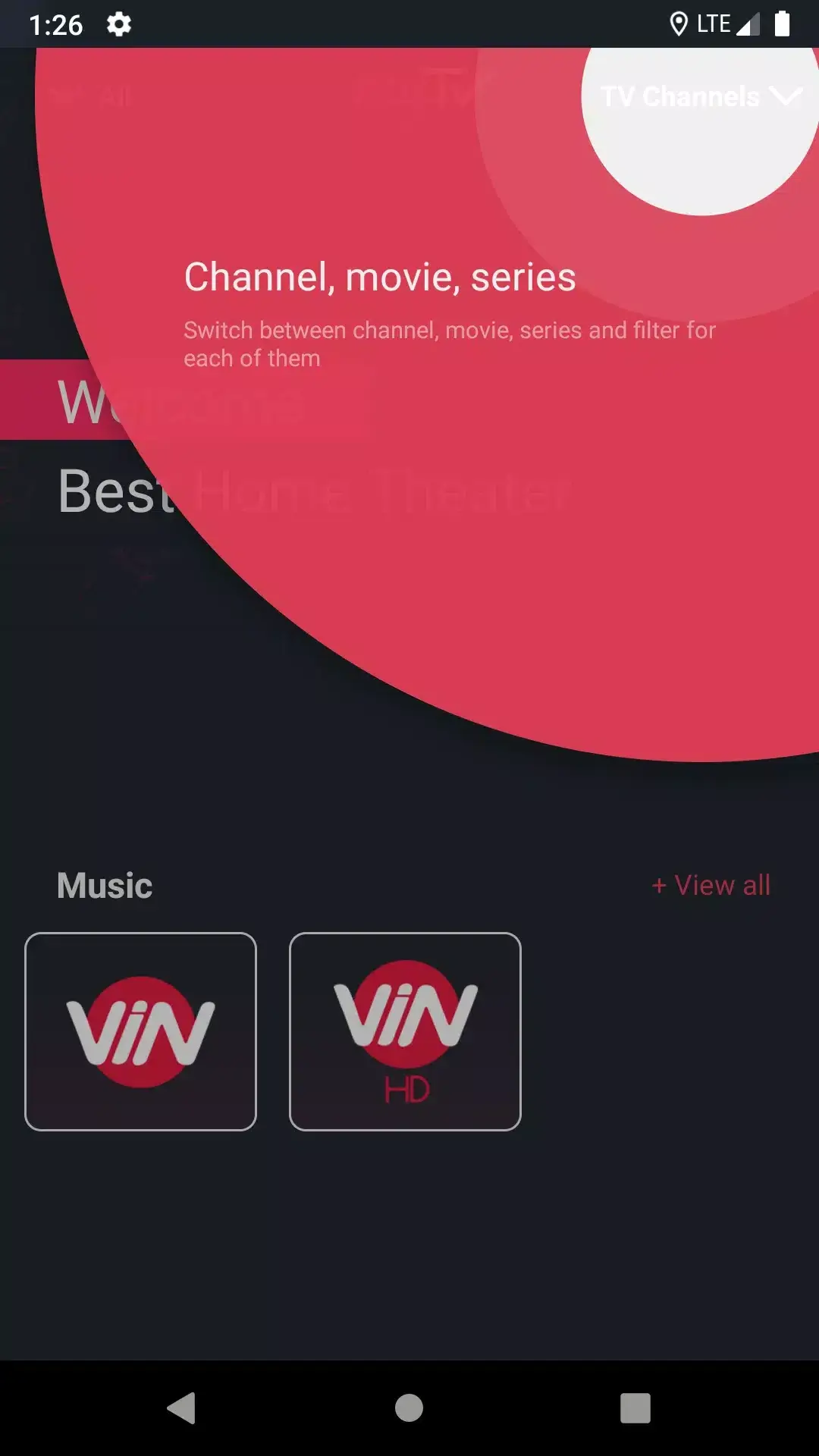
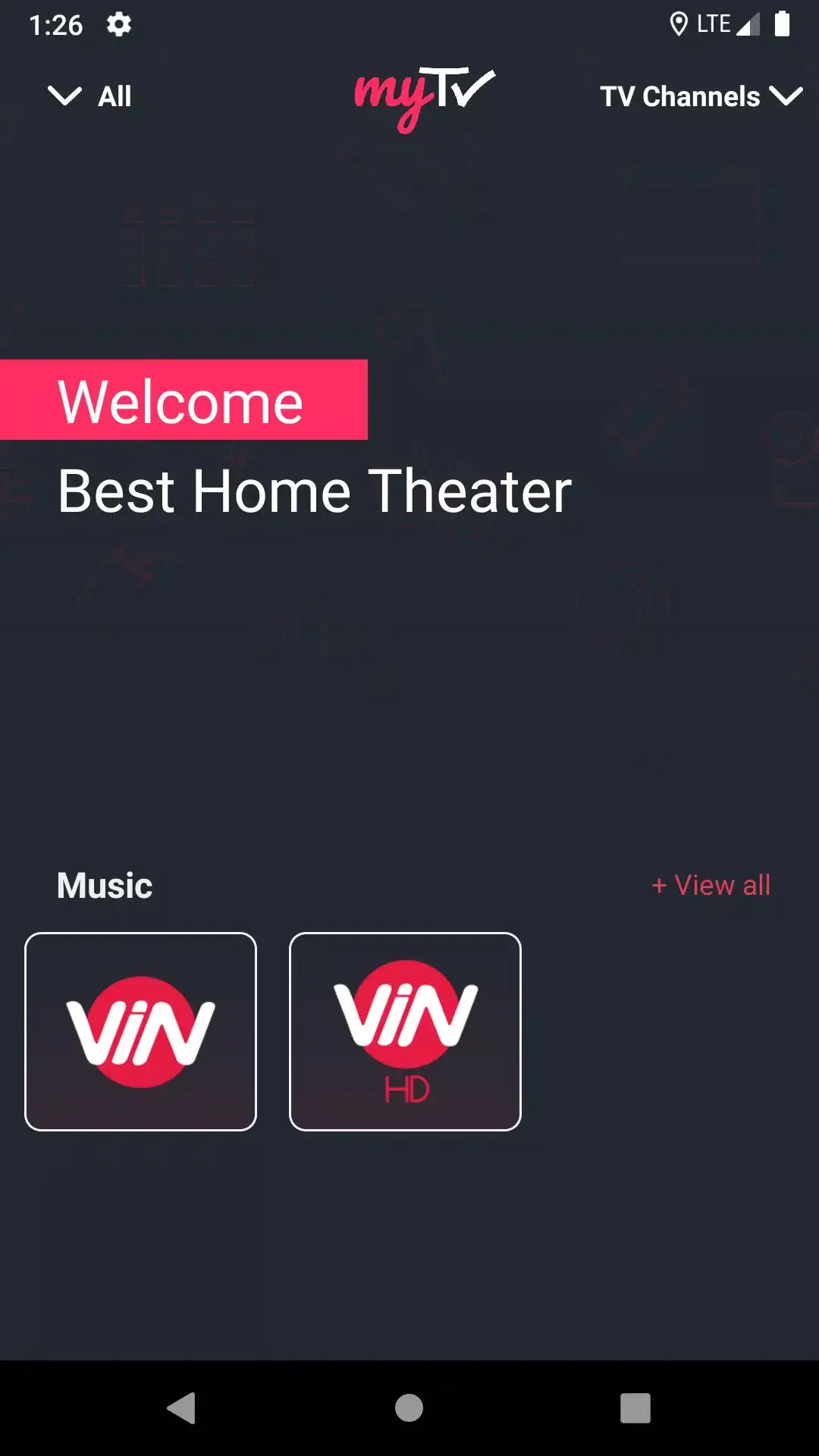

MyTV+ is an Android streaming app that brings a wide range of live TV channels, on‑demand movies and shows straight to your smartphone. With more than 300 channels covering sports, news, music and entertainment, it aims to keep you connected wherever you are.
This page provides the latest version details, a quick guide to installing the APK, and practical tips for a smooth experience.
Quick Information
| App/Game Name | MyTV+ |
| Latest Version | 3.15.1 |
| Developer | Not listed |
| Category | Apps / Entertainment |
| App Size | 8.56 MB |
| Package Name | com.ngc.FastTvLitePlus |
| Last Updated | 16 January 2026 |
What Is MyTV+?
MyTV+ aggregates live television and video‑on‑demand content into a single interface. The core features include:
- Access to over 300 live TV channels across various genres.
- On‑demand movies and series for offline or instant playback.
- Dedicated sections for sports, news and music videos.
- Regular updates that add new channels and improve stability.
The app is designed for Android users who want a free alternative to subscription‑based streaming services. It does not require a separate account, but an internet connection is needed to stream live content.
Compatibility
| Android Version | ✓ Verified — 5.0 and up |
| Architecture (ARM64 / 32-bit) | ✓ Verified — Supports common device architectures |
| Internet Connection | ✓ Verified — May be required for ads, updates, or login |
| Storage Needed | Not Verified |
| OBB/Data Files | Not Verified |
| Root Required | Not Verified |
How to Install
- Open your device’s Settings → Security (or Privacy) and enable Install unknown apps for the browser or file manager you will use.
- Download the MyTV+ APK file to your device.
- Locate the downloaded file in the notification shade or using a file manager.
- Tap the APK and follow the on‑screen prompts to install.
- Once installation finishes, open MyTV+ and grant any requested permissions (e.g., storage, network).
Troubleshooting
- App not installed: Ensure the “unknown apps” permission is enabled for the source you used. Also verify that the APK is not corrupted.
- Crashes on startup: The app may require a newer Android version than your device provides. Check the compatibility table for supported versions.
- Streaming fails or freezes: A stable internet connection is required. Try switching between Wi‑Fi and mobile data, or restart your router.
- Login or online authentication issues: MyTV+ does not normally require a user account, but some channels may need third‑party authentication. Ensure you are connected to the internet.
Safety & Security
MyTV+ is a third‑party APK, not distributed through the official Play Store. Before installing, verify the source’s reputation and scan the file with an up‑to‑date antivirus program. Review the permissions the app requests; it typically needs network access and storage to cache video files. Because the app is unofficial, future updates may break compatibility or alter functionality.
How MyTV+ Compares
| Feature | MyTV+ | Netflix | YouTube | Amazon Prime Video |
|---|---|---|---|---|
| Price / Free model | Free (ad‑supported) | Subscription | Free with ads / Premium | Subscription |
| Platform availability | Android only (APK) | Android, iOS, web, TV | Android, iOS, web, TV | Android, iOS, web, TV |
| Standout feature | 300+ live TV channels for free | Original series & movies | User‑generated video library | Prime benefits + movies |
| Best for | Users seeking free live TV on Android | Premium streaming with exclusive content | Short‑form videos and music | Amazon ecosystem users |
Alternatives
If MyTV+ doesn’t meet your needs, consider these well‑known streaming apps:
- Pluto TV – Free live TV with a channel guide similar to traditional cable.
- Tubi – On‑demand movies and TV shows without a subscription.
- Hulu – Combines live TV packages with a library of on‑demand content (subscription required).
Final Verdict
MyTV+ offers a convenient way to watch a large selection of live channels and movies without paying a subscription fee. It’s best suited for Android users who want a free, ad‑supported streaming experience and are comfortable installing APKs from outside the Play Store. Verify the file’s integrity, check Android version compatibility, and be aware that future updates could affect functionality.
Frequently Asked Questions
Install the APK only from a trusted source, scan it with an antivirus, and review the permissions it requests before proceeding.
The latest version available is 3.15.1, released on 16 January 2026.
Compatibility details are shown in the compatibility table; generally, the app runs on Android 5.0 and newer.
MyTV+ does not require separate OBB or data files; all necessary resources are included in the APK.
This usually happens when the device blocks installations from unknown sources or the APK is corrupted; enable the permission and re‑download if needed.
Yes, you can install the new APK over the previous one; the installer will replace the old version while keeping your settings.
An active internet connection is needed for live TV streaming and to load on‑demand content.
MyTV+ is free and does not include in‑app purchases, though it may show ads.